Built for the safe zone.
Animated labels, captions and editor tools that stay inside the title-safe lines. Drop them on V2 in any editor.
Label Kit PRO
90 original labels that build in, hold and fade out. Made for Resolve's V2 track and fine anywhere else you edit.
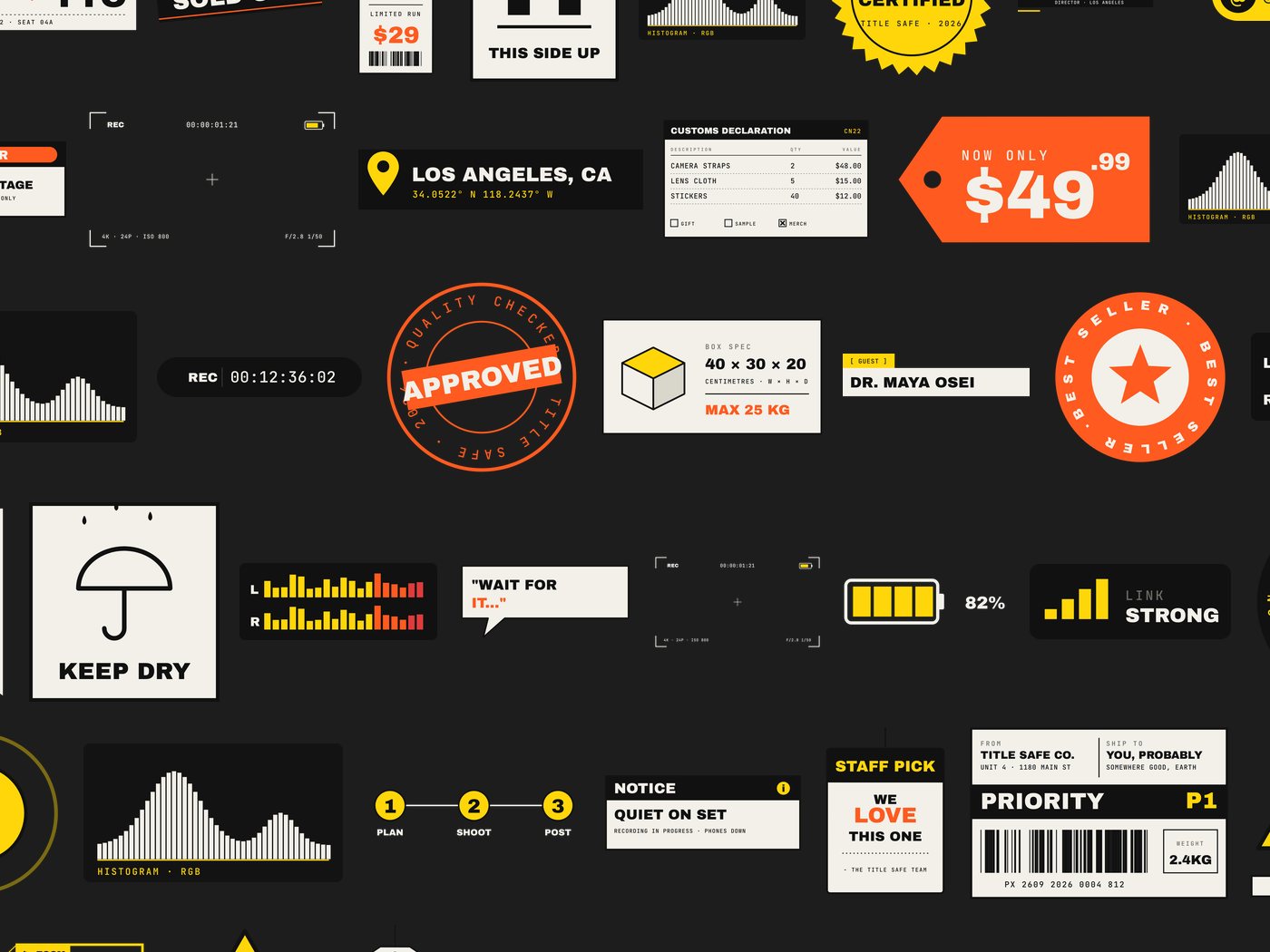
labels in 8 categories, from shipping tags and warning signs to lower thirds and camera readouts.
Commercial use included. Pay by card or PayPal and download straight away.
Four formats each
Three colourways
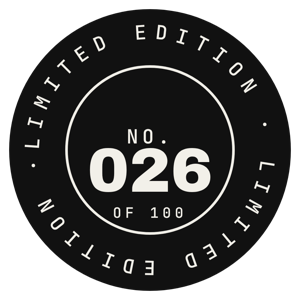
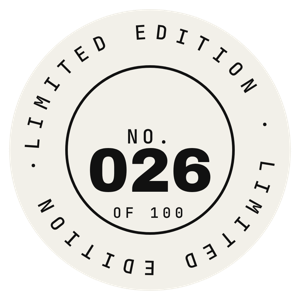
Full colour, plus black and white and inverted versions of all 90.
Eight kinds of label
Wordcue
Animated word-by-word captions for DaVinci Resolve, including the free version. It runs offline on your PC.
- Eight caption styles, every one adjustable
- Exports a transparent layer for V2, plus SRT
- Caption sound effects and keyword colours
- $29 once, free trial, Windows
Start with 10 free labels
Label Kit Vol. 0 has ten labels in every format, free for commercial use. See how they sit in your edit before you buy anything.
Questions
Do they work in the free version of DaVinci Resolve?
Yes. The .mov files are ProRes 4444 with a transparent background, which free Resolve plays. Drag one onto the track above your footage and it sits on top.
How does checkout work?
Clicking buy opens the kit right here on the page. Payment runs through Gumroad by card or PayPal, and the download link arrives straight away and by email.
Can I use them in client work and ads?
Yes. Personal and commercial projects are covered, including client videos, ads and thumbnails. You just can't resell the files as a pack of your own.
How do I change the words on a label?
Open the .svg in Illustrator, Affinity, Figma or Inkscape, type over the text and export. Install the two fonts in the kit first so the letters match.